
You may be wondering whether your internet connection is fast enough for a quality live stream, or perhaps you simply want to check the performance of your network. Knowing your bandwidth is an essential step in answering these questions.
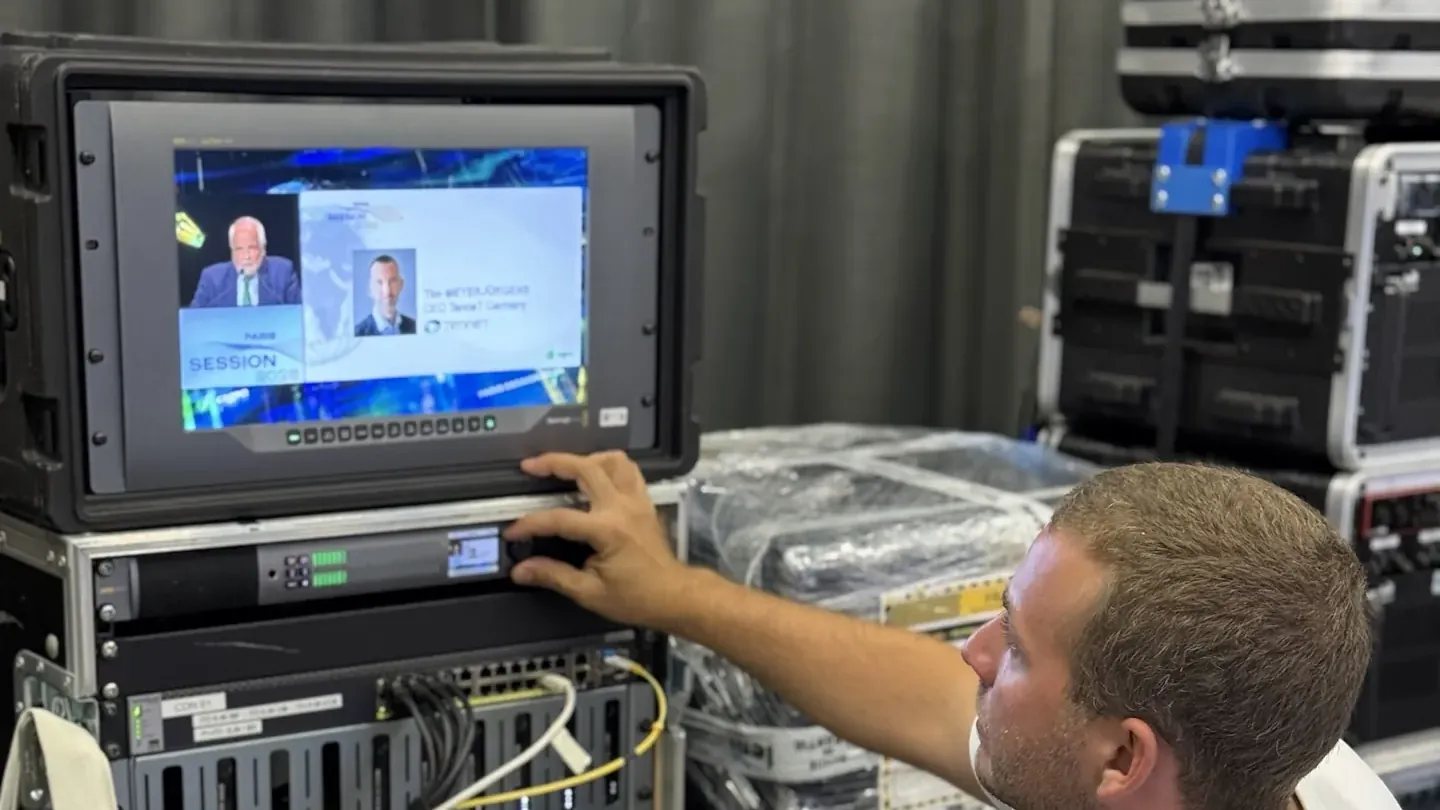
This article will guide you through the methods and tools available to measure your bandwidth effectively. For an event broadcast from Paris, our Paris team tests the venue’s bandwidth before signing off the set-up.
Defining bandwidth
Before diving into tests and measurements, it is crucial to understand what bandwidth is. In simple terms, it is the amount of data that can be transmitted over your internet connection in one second. Bandwidth is often measured in megabits per second (Mbps).
When you talk about bandwidth, two terms come up often: download speed and upload speed. Download speed is the speed at which data is downloaded from the server to your device, while upload speed is the speed at which data is sent from your device to the server.
Both speeds are decisive for a smooth streaming experience. This is a critical point at sporting events, where live broadcasting tolerates no interruption.
Why is bandwidth important for live streaming?
Take live streaming as an example. To broadcast live video without interrupting playback, your connection must have sufficient upload speed. If it is insufficient, your viewers may experience buffering or poor picture quality.
Beyond streaming, bandwidth also affects other activities such as online gaming, video calls and even everyday web browsing. A better understanding of your bandwidth can help you decide whether an upgrade to your internet connection is needed. This diagnosis is part of the event project management for a venue.
Measuring bandwidth with specific tools
To find out your bandwidth, several reliable and easy-to-use measurement tools are available online. These tools can analyse both download and upload speed, as well as other essential parameters such as latency and ping.
Here are a few general steps to follow when using these tools:
- Connect to your home network to get accurate results.
- Close all applications and browser tabs likely to use bandwidth before starting the test.
- Start the test and wait for the results to analyse the different aspects of your connection.
Examples of bandwidth measurement tools
There are several popular tools for testing your internet speed:
- Speedtest.net: One of the most commonly used tools, Speedtest.net gives detailed information on your download speed, upload speed and latency.
- Fast.com: This tool developed by Netflix is particularly simple and practical for quickly assessing the speed of your connection.
- NPerf: NPerf provides a complete analysis, including speed, latency and even streaming tests.
Understanding the test results
Once the speed test is done, you will receive several key metrics, including download speed, upload speed, ping, and sometimes latency. For live streaming, here is what these results mean:
| Metric | Description | Important for live streaming? |
|---|---|---|
| Download speed | How quickly data arrives on your device | Moderately |
| Upload speed | The speed at which data is sent to the server | Essential |
| Ping | The response time between your device and the server | Very important |
| Latency | The delay between the moment data is sent and received | Critical |
A minimum upload speed of 10mbps is needed to broadcast a live stream of normal quality, without other people using the same network.
Optimising your connection for live streaming
Knowing how to measure your bandwidth is good, but knowing how to optimise it is even better. Here are a few practical tips:
- Use a wired connection: Even though Wi-Fi is very convenient, an Ethernet connection is generally more stable and faster, reducing the risk of disruption during streaming.
- Minimise the use of other devices: When you are preparing a live stream, try to limit the use of other devices connected to the same network. This frees up more bandwidth for streaming.
- Watch out for software that uses the internet heavily: Automatic updates, background downloads and data-hungry applications can severely affect your streaming experience. Pause them if necessary.