
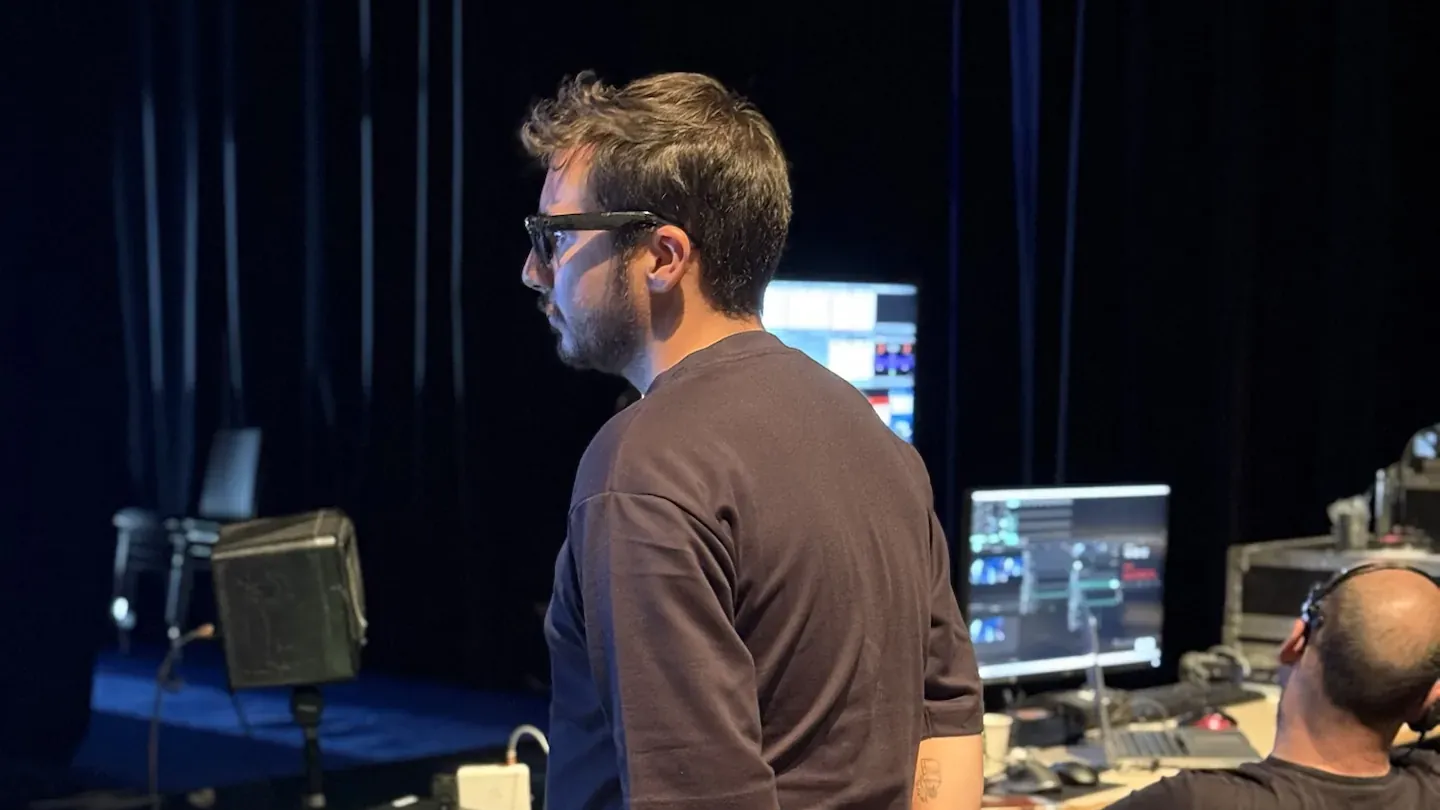
The art of chroma keying opens endless doors for creating immersive, captivating videos.
Whether for an amateur project or a professional production, this technique is becoming mainstream thanks to ever more accessible tools.
Here is a clear, streamlined guide to accompany you step by step in your learning, avoiding common mistakes and getting the best out of your result. For a green screen shoot in real conditions, our Paris office provides the set and the light calibration.
What Is Chroma Key?
Chroma key consists of replacing a solid colour in a video (often green or blue) with a background of your choice.
This process is everywhere in modern productions, whether films, streaming or professional events.
Why green or blue? These colours, far removed from human skin tones, allow a clean separation between the subject and the background.
The choice depends on the clothes worn by the subject: an actor in green will need a blue background to avoid interference. The background colour also depends on the room: it is a criterion we build into the choice of venue.
Essential Equipment
To achieve a successful chroma key, it is crucial to invest in suitable basic equipment. Here is what you will need:
- A green or blue screen: A stretched fabric or a uniformly painted wall.
- Quality lighting: Even lights to avoid shadows and reflections.
- An HD or 4K camera: To ensure clean outlines of the subject.
- Editing software: Such as Adobe Premiere Pro, DaVinci Resolve or Final Cut Pro, which include chroma key features.
Tip: An anti-glare screen and softboxes to diffuse the light guarantee a more polished result.
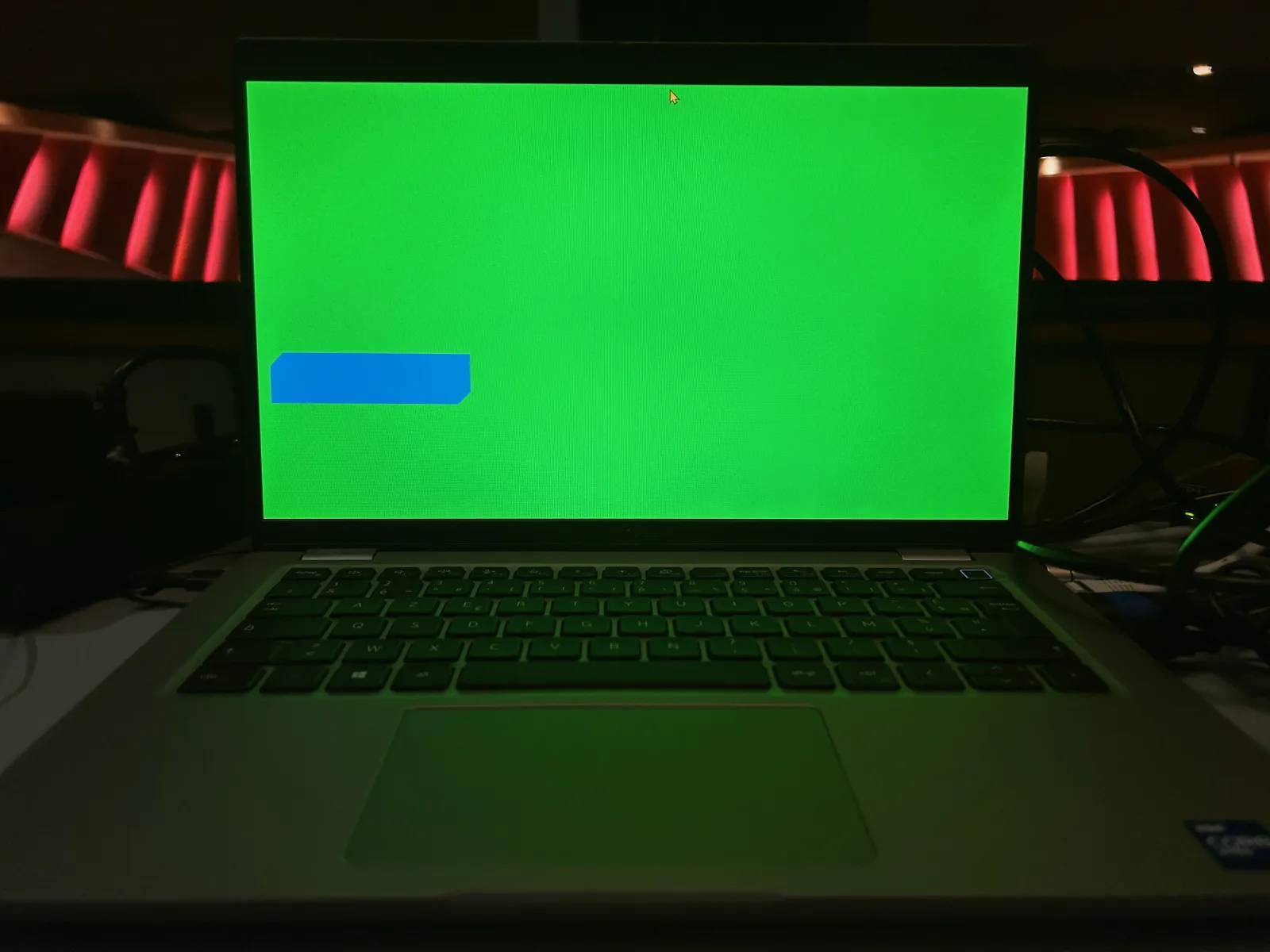
Key Steps for a Successful Chroma Key
1. Preparing the Studio
The first step is to set up your shooting space correctly:
- Hang the green background taut, with no creases.
- Light it evenly with three-point lighting (front and each side).
- Move the subject away from the background to avoid cast shadows.
2. Shooting
Make sure the subject wears clothes that contrast with the background colour.
During the shoot, watch out for stray shadows and reflections that could complicate post-production.
3. Post-Production
Import the video into your editing software and apply the chroma key tool:
- Select the colour to remove (green or blue).
- Adjust the settings for a natural result (tolerance, edges, edge removal).
- Insert the background you want, taking care to respect proportions and perspective.
Practical Applications
Chroma key is used in many creative and professional fields:
- Cinema: To add landscapes or special effects that would be impossible to film.
- Streaming and gaming: Creators add their image into the game or video.
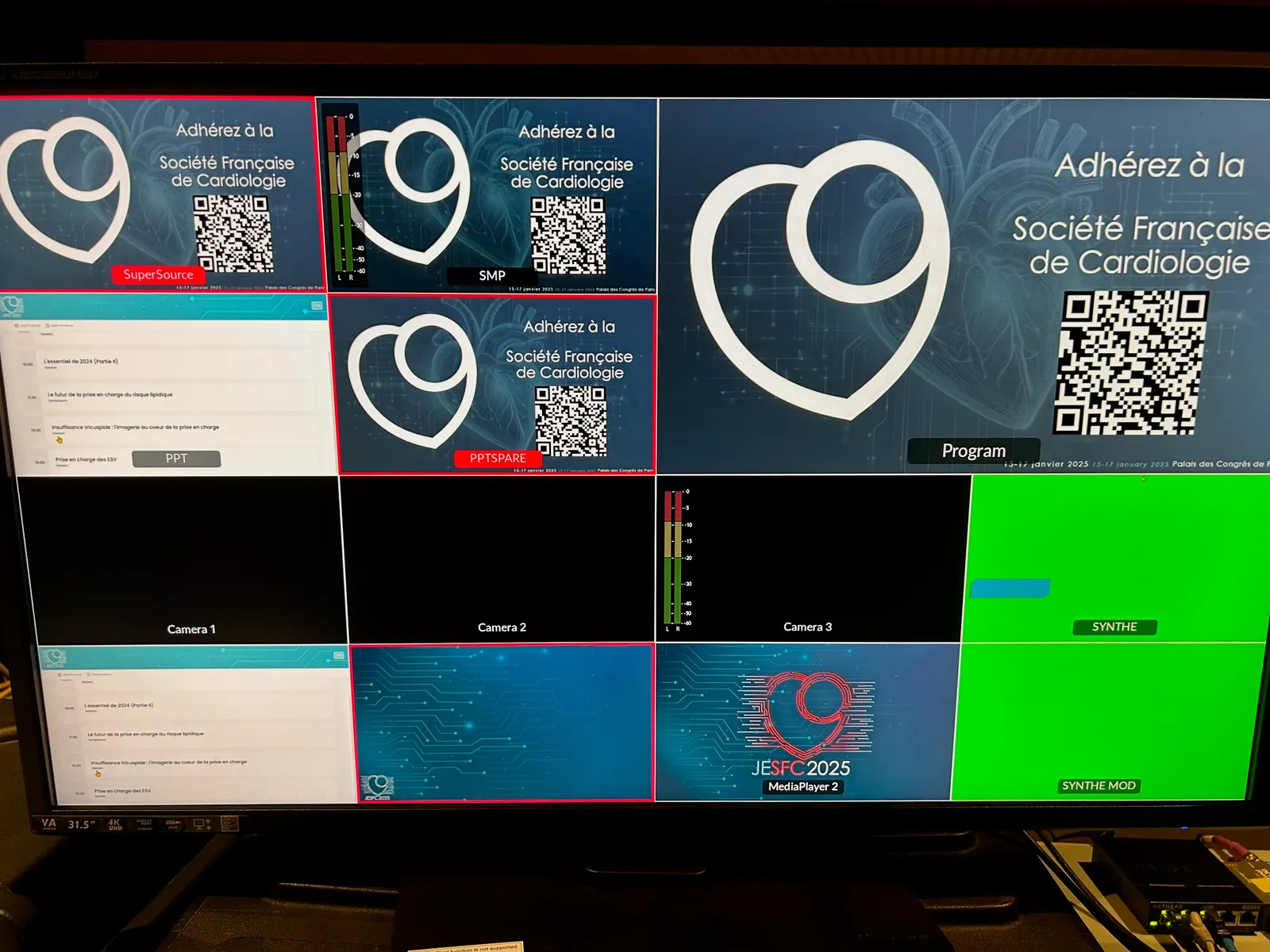
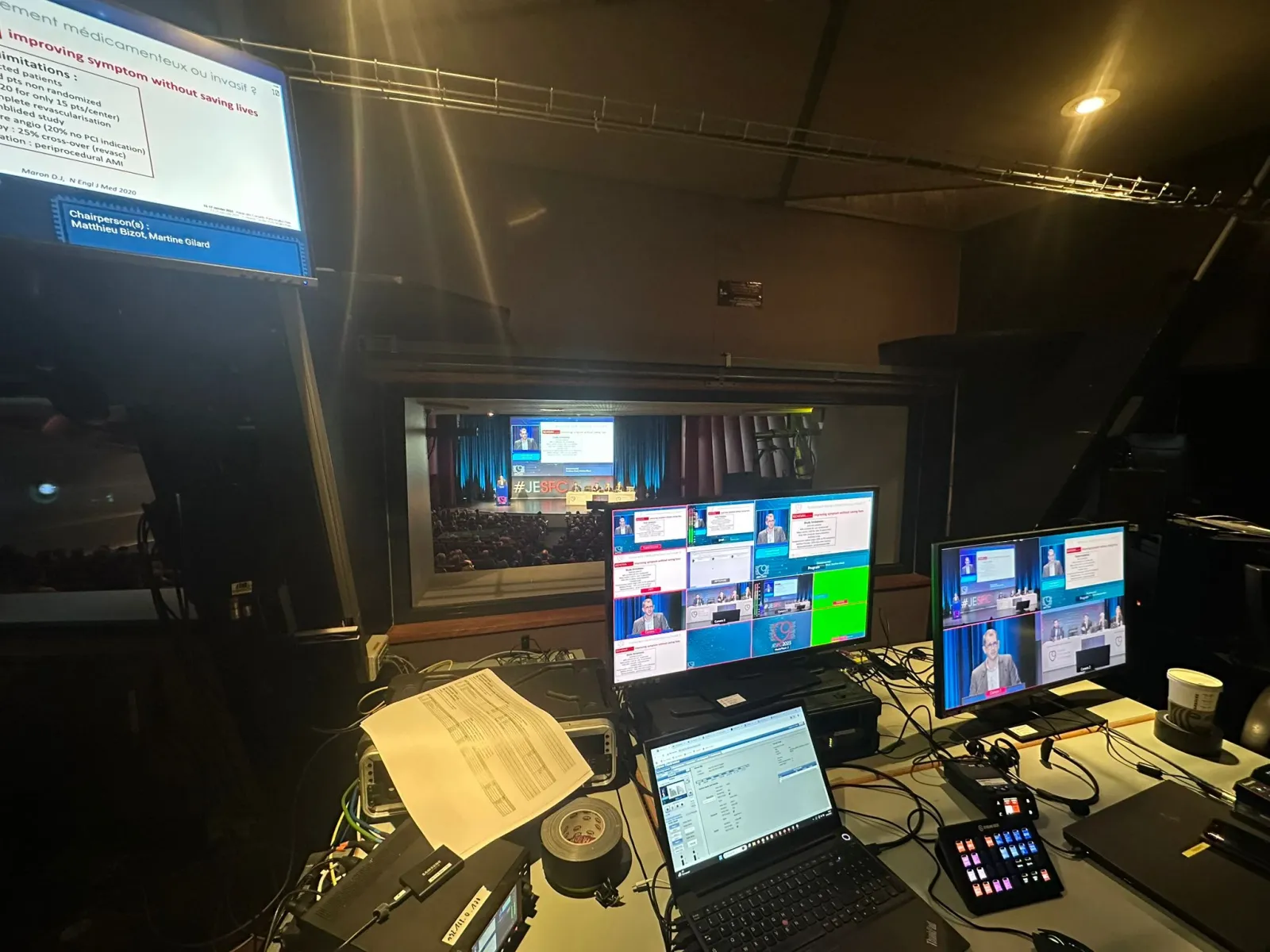
- Professional events: Presenters appear in virtual sets for conferences or product launches.
Common Mistakes to Avoid
Even with good equipment, certain mistakes can ruin your efforts:
- Lighting problems: Uneven light creates dark or overexposed areas, making keying difficult. Invest in modern LEDs for precise lighting.
- Unsuitable outfits: If the subject wears clothes close to the background colour, the result will be compromised. Prefer contrasting shades.
- Creases or reflections on the background: Creases in the fabric or reflections of light disturb the chroma key effect. Stretch the background well and avoid shiny materials.
Tips for Optimising Your Results
- Test before shooting: Run tests to check that the lighting is even and that the background is properly captured by the camera.
- Choose a relevant background: Make sure the background image or video matches the mood of your scene.
- Use advanced tools: Some software lets you refine edges or remove reflections for a perfect result.
- Practise regularly: Chroma key takes practice. The more you experiment, the more natural your result will be.
Towards Complete Mastery
Chroma key is much more than a simple technical tool: it is a door open to creativity.
Whether you film for pleasure or for professional productions, by following these steps and avoiding common mistakes, you will be able to produce captivating videos that leave their mark.
Explore, test, and turn your ideas into visual reality!