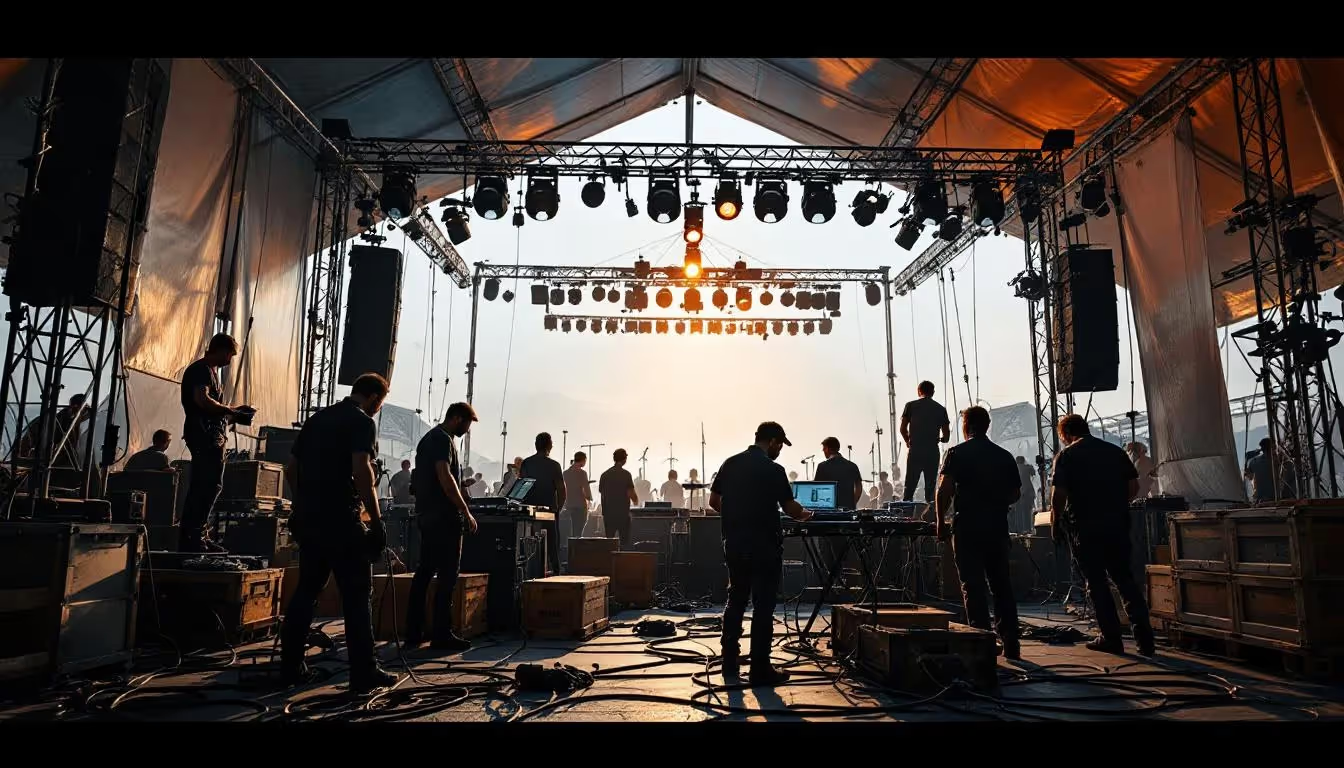
Guide Pratique pour Maîtriser la Chroma Key en Vidéo
L'art de l'incrustation chromatique, ou chroma key, ouvre des portes infinies pour créer des vidéos immersives et captivantes.
Que ce soit pour un projet amateur ou une production professionnelle, cette technique se démocratise grâce à des outils de plus en plus accessibles.
Voici un guide clair et épuré pour vous accompagner pas à pas dans votre apprentissage, en évitant les erreurs courantes et en optimisant votre rendu.
Qu'est-ce que la Chroma Key ?
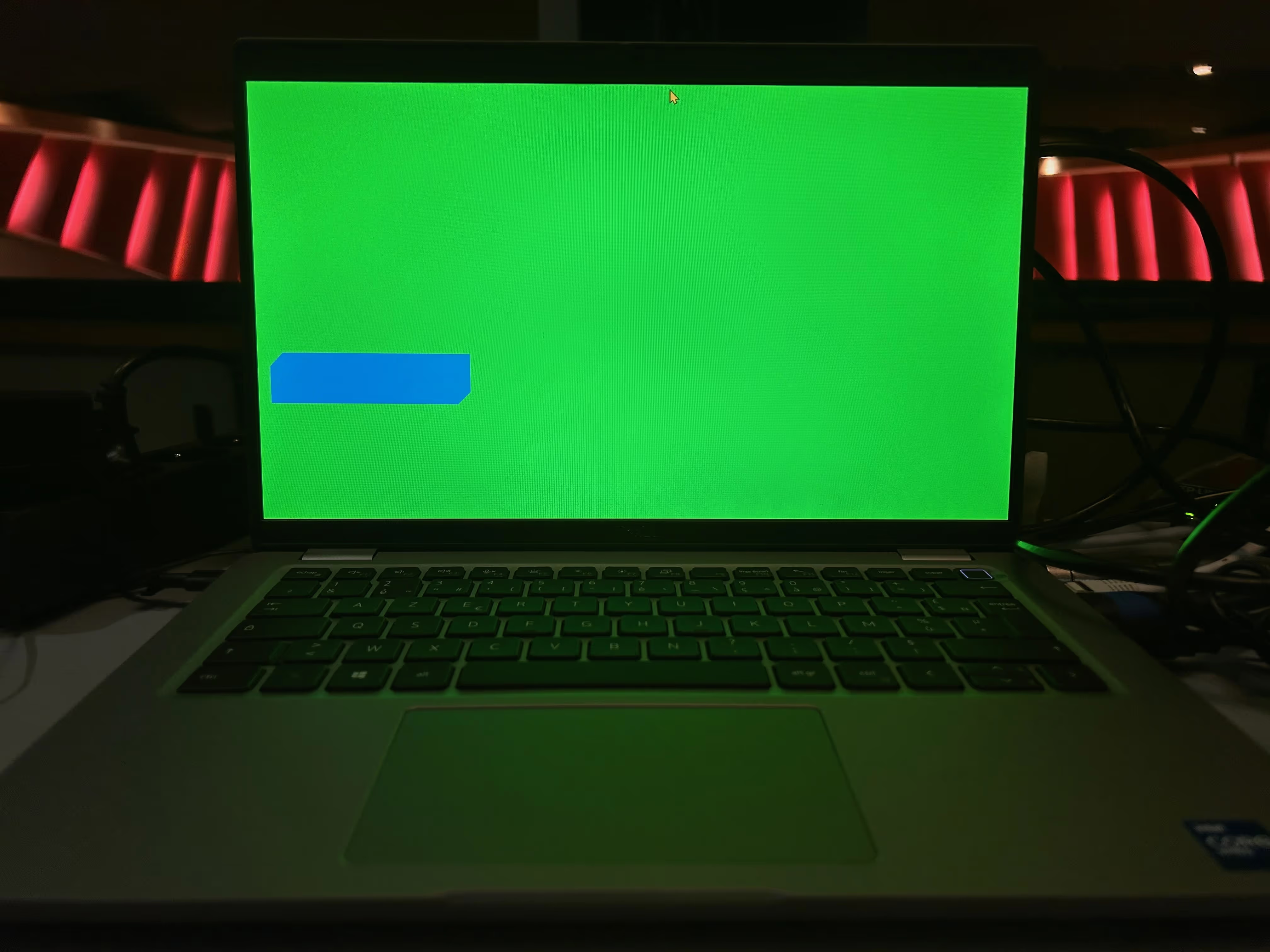
La chroma key consiste à remplacer une couleur unie dans une vidéo (souvent vert ou bleu) par un arrière-plan de votre choix.
Ce procédé est omniprésent dans les productions modernes, qu'il s'agisse de films, de streaming ou d'événements professionnels.
Pourquoi le vert ou le bleu ? Ces couleurs, très éloignées du teint humain, permettent une séparation nette entre le sujet et le fond.
Le choix dépend des vêtements portés par le sujet : un acteur en vert nécessitera un fond bleu pour éviter les interférences.
Le Matériel Essentiel
Pour réussir une incrustation chromatique, il est crucial d'investir dans un matériel de base adapté. Voici ce dont vous aurez besoin :
- Un écran vert ou bleu : Un tissu tendu ou un mur peint uniformément.
- Un éclairage de qualité : Des lumières homogènes pour éviter les ombres et les reflets.
- Une caméra HD ou 4K : Afin d'assurer des contours nets du sujet.
- Un logiciel de montage : Comme Adobe Premiere Pro, DaVinci Resolve ou Final Cut Pro, qui intègrent des fonctionnalités de chroma key.
Astuce : Un écran anti-reflets et des softboxes pour diffuser la lumière garantissent un résultat plus professionnel.
Les Étapes Clés pour une Chroma Key Réussie
1. Préparation du Studio
La première étape est de configurer correctement votre espace de tournage :
- Placez le fond vert de manière tendue, sans plis.
- Éclairez-le uniformément avec un éclairage tri-points (face avant et chaque côté).
- Éloignez le sujet du fond pour éviter des ombres projetées.
2. Tournage
Assurez-vous que le sujet porte des vêtements contrastants avec la couleur du fond.
Pendant le tournage, restez attentif aux ombres et reflets parasites qui pourraient compliquer la post-production.
3. Post-Production
Importez la vidéo dans votre logiciel de montage et appliquez l'outil de chroma key :
- Sélectionnez la couleur à supprimer (vert ou bleu).
- Ajustez les paramètres pour un rendu naturel (tolérance, contours, suppression des bords).
- Insérez l’arrière-plan souhaité en veillant à respecter les proportions et la perspective.
Applications Pratiques
La chroma key est utilisée dans de nombreux domaines créatifs et professionnels :
- Cinéma : Pour intégrer des paysages ou effets spéciaux impossibles à filmer.
- Streaming et gaming : Les créateurs ajoutent leur image dans le jeu ou la vidéo.
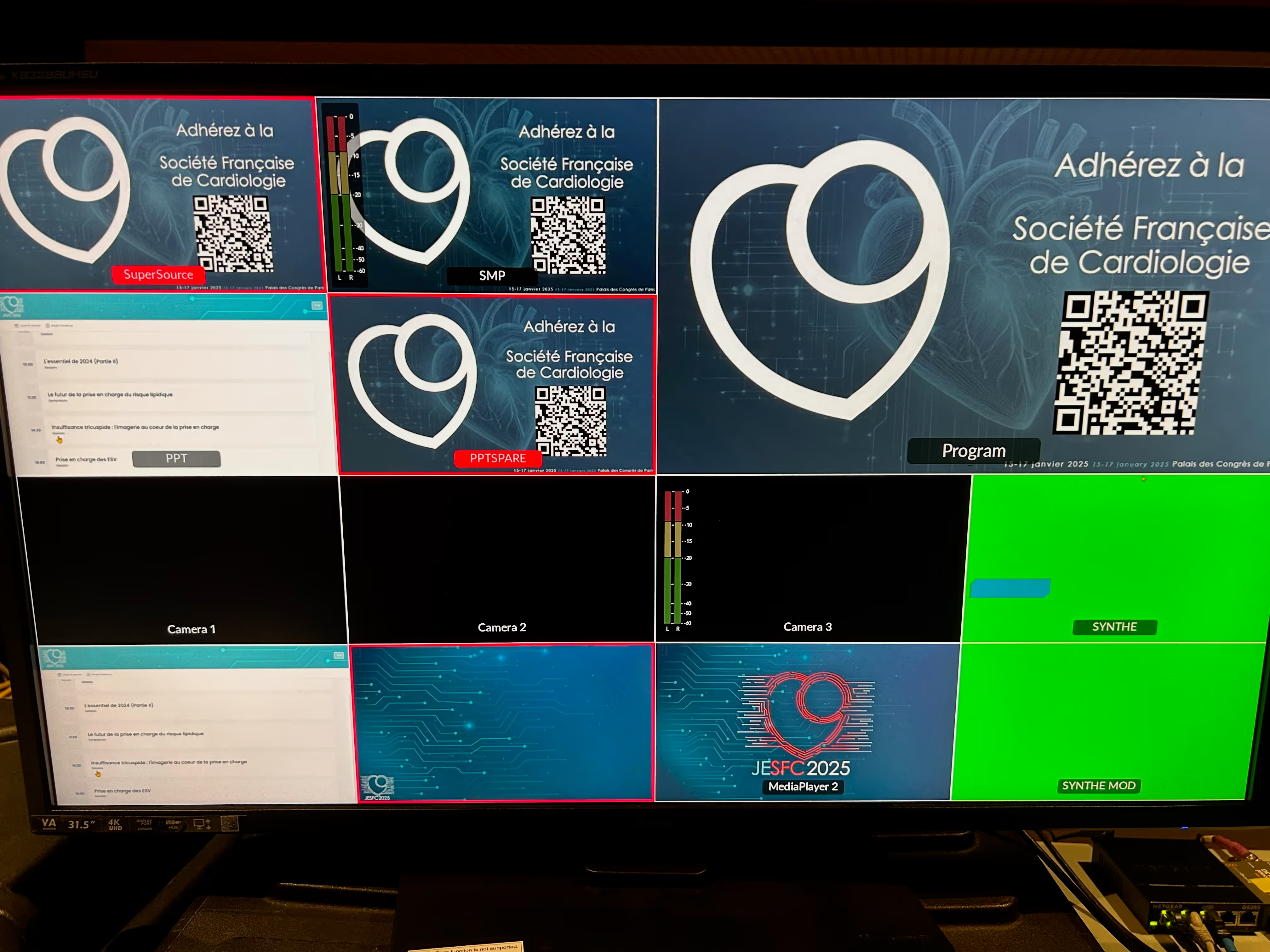
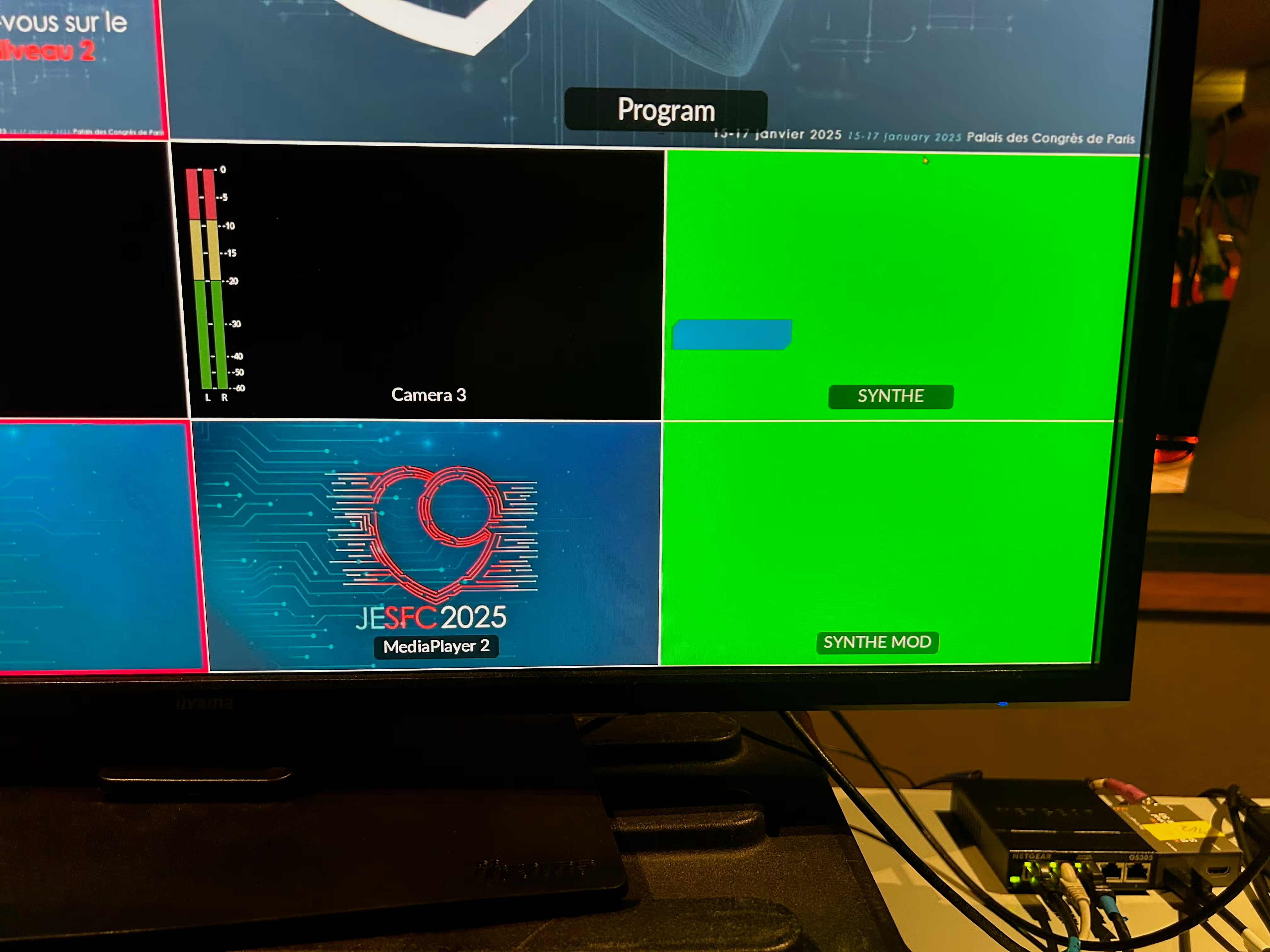
- Événements professionnels : Les présentateurs apparaissent dans des décors virtuels pour des conférences ou des lancements de produits.
Erreurs Courantes à Éviter
Même avec un bon matériel, certaines erreurs peuvent ruiner vos efforts :
- Problèmes d'éclairage
- Une lumière inégale crée des zones sombres ou saturées, rendant le détourage difficile. Investissez dans des LED modernes pour un éclairage précis.
- Tenues mal adaptées
- Si le sujet porte des vêtements proches de la couleur du fond, le rendu sera compromis. Préférez des teintes contrastées.
- Plis ou reflets sur le fond
- Les plis dans le tissu ou les reflets lumineux perturbent l’effet de chroma key. Tendez bien le fond et évitez les matières brillantes.
Conseils pour Optimiser Vos Résultats
- Testez avant de tourner : Faites des essais pour vérifier que l’éclairage est homogène et que le fond est bien capturé par la caméra.
- Choisissez un arrière-plan pertinent : Assurez-vous que l’image ou la vidéo d’arrière-plan s'accorde avec l'ambiance de votre scène.
- Utilisez des outils avancés : Certains logiciels permettent de peaufiner les contours ou de supprimer les reflets pour un rendu parfait.
- Pratiquez régulièrement : La chroma key demande de l’entraînement. Plus vous expérimentez, plus votre rendu sera naturel.
Vers une Maîtrise Complète
La chroma key est bien plus qu’un simple outil technique : c’est une porte ouverte sur la créativité.
Que vous filmiez pour le plaisir ou pour des productions professionnelles, en respectant ces étapes et en évitant les erreurs courantes, vous pourrez produire des vidéos captivantes qui marquent les esprits.
Explorez, testez, et transformez vos idées en réalité visuelle !