Ça vous est déjà arrivé de tout planifier pour un événement digital et de vous retrouver avec des participants déconnectés ?
On parle souvent du contenu ou des outils, mais sans une connectivité au top, même la meilleure plateforme ne sert à rien.
Dans cet article, on vous explique comment éviter les galères techniques et garantir une expérience fluide pour tous, avec nos astuces pro pour maîtriser l’infrastructure réseau et les solutions de secours.
Les fondamentaux d'une bonne connexion
Pour un événement digital réussi, on part d’une base solide : connexion haut débit stable, plateforme de diffusion fiable et matos audiovisuel au top.
Le secret ? Tester sa connexion en amont et prévoir un plan B avec plusieurs opérateurs 4G/5G.
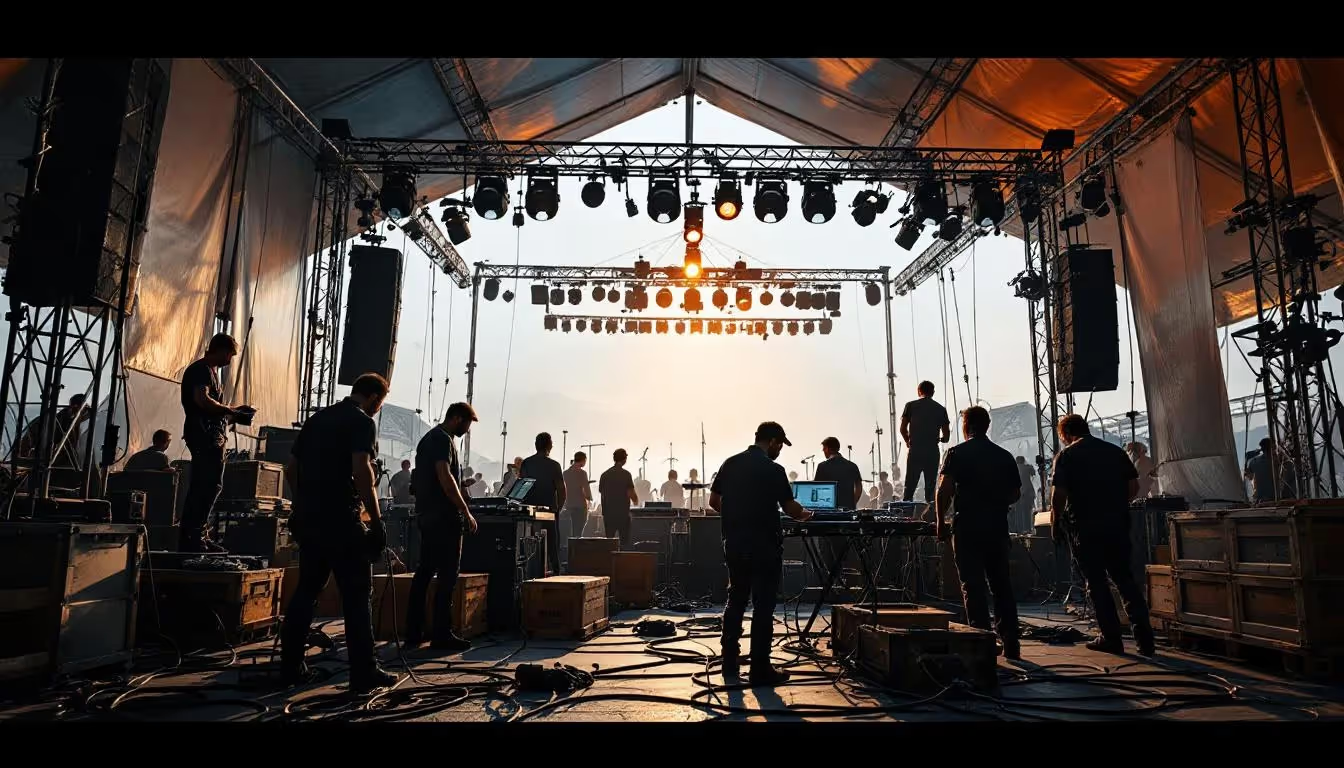
Une bonne couverture audiovisuelle va de pair avec une connectivité optimale pour des événements digitaux réussis.
Une mauvaise connexion, c’est l’assurance de perdre son public. Imaginez des lags pendant les interventions, des écrans qui freeze ou pire, des participants déconnectés.
Selon les pros, 75% des événements ont un WiFi médiocre.
Résultat ? Les interactions tombent à l’eau et l’image de marque prend un coup. Personne veut ça pour son événement corporate ou son webinar premium.
Préparer son infrastructure réseau
Audit et tests préalables
On commence par vérifier le réseau existant avec des outils simples. Un speedtest pour la bande passante, un scan WiFi pour repérer les zones mortes. L'idée ? Faire ces tests pendant les heures de pointe.
Points clés à contrôler pour éviter les mauvaises surprises :
- Vérifier la stabilité de la connexion internet et capacité de la bande passante
- Tester la compatibilité des plateformes de diffusion avec les outils de streaming
- Contrôler les paramètres de sécurité réseau et chiffrement des données
- Valider le bon fonctionnement des équipements audiovisuels et réseaux
- Prévoir des solutions de secours 4G/5G pour basculement automatique
Si le test révèle des lacunes, on passe en mode solution rapide : augmenter la bande passante, ajouter des répéteurs WiFi ou carrément opter pour une box 4G multi-opérateurs. Le tout sans se ruiner.
Solutions de secours
Backup obligatoire : connexion 4G/5G + satellite en dernier recours. La bascule doit se faire automatiquement dès qu'une ligne lâche.
Pour les gros événements, on configure des routeurs avec double SIM et bascule auto. Un technicien sur site peut switcher manuellement si besoin. Ça évite les blancs gênants pendant les keynotes.
Gestion de la bande passante
Prioriser le trafic vital : streaming vidéo d'abord, chat ensuite. On utilise des outils de monitoring en temps réel pour ajuster.
Exemple concret : un client avait des coupures pendant ses webinars. Solution ? Limiter le nombre de caméras actives + compression vidéo adaptive.
Résultat : débit divisé par 3 sans perte qualité.
Erreur classique à éviter : laisser les mises à jour Windows bouffer la bande passante. On bloque ça via le firewall et on prévient les participants à l'avance.
Sécurité et contrôles
Protection des données
Les événements en ligne, c'est la cible rêvée pour les attaques DDoS ou le vol de données. On a vu des cas où des intrus ont récupéré des listes de participants en exploitant des failles basiques. La priorité ? Chiffrer les échanges et verrouiller l'accès aux infos sensibles.
Configuration minimale à prévoir : VPN obligatoire pour les intervenants, authentification à deux facteurs pour les admins. Un client a découvert une faille dans sa plateforme la veille d'un événement - mise à jour en urgence et sauvegarde des données. Ça lui a évité un sacré casse-tête.
Supervision en temps réel
On utilise des outils comme SIEM ou XDR pour traquer les anomalies. Dès qu'un pic de trafic suspect apparaît, les alertes partent automatiquement. L'idée, c'est de pouvoir couper un accès compromis en moins de 30 secondes.
Procédure type : 1) Isoler la machine infectée 2) Basculer sur le réseau de secours 3) Prévenir les participants via le chat modéré. Un exemple récent ? Une tentative d'intrusion neutralisée. Le webinar a pu continuer sans accroc.
Formation des équipes
Les techniciens doivent maîtriser les bases : configuration firewall, détection de trafic anormal.
Une gestion de projet rigoureuse inclut nécessairement la formation aux nouveaux enjeux technologiques des événements digitaux.
Programme accéléré sur 3 jours : matin en théorie, après-midi en simulation réelle. Une équipe a réduit son temps d'intervention de 60% après ce type de formation.
Les retours montrent que même les bases comme le reset de routeur peuvent sauver un événement.
Retours d'expérience
Cas réussi d'événement majeur
Prenez l'exemple d'un salon professionnel digital avec 5 000 participants. Défi initial : maintenir 50 Mb/s stables sur 3 jours. Solution : agrégation 4G multi-opérateurs + serveur cache vidéo. Comme le montre notre guide des idées créatives pour événements digitaux, le résultat a été 98% de streaming sans buffer.
L'équipe a mixé diffusion live HD et ateliers interactifs. Indicateur clé : 85% des participants ont suivi jusqu'au bout vs 60% habituellement. Le secret ? Une bande passante réservée aux présentateurs principaux.
Post-événement, ils ont doublé leur capacité réseau et ajouté un monitoring temps réel. Maintenant ils testent l'IA pour prédire les pics de connexion. Une vraie réussite technique.
Analyse d'un échec instructif
En 2023, un webinar corporate a viré au fiasco. Problème : routeur principal a lâché après 20 minutes. Signe avant-coureur ignoré : des pics de latence pendant les tests.
Solution corrective : backup 5G activable en 30 secondes + formation express des équipes. Investissement : 15k€ en matériel, mais gain de crédibilité inestimable. Le prochain événement a fait 95% de satisfaction.
Tendances innovantes
Dernier cri : des algorithmes d'IA qui optimisent le trafic réseau en direct. Un client a réduit sa consommation data de 40% sans perte qualité. Autre tendance : l'intégration cloud auto-scalable.
Exemple concret : une conférence utilise AWS pour gérer 10 000 connexions simultanées. Avantage clé : ajustement automatique de la bande passante selon l'affluence. Défi actuel : sécuriser ces architectures hybrides.
Recommandations finales
Recommandations finales
Priorité numéro un : testez en réel avant le jour J. Même avec 10 participants, ça débusque 80% des problèmes. Ensuite, misez sur du matériel pro avec garantie de service - ça vaut le coût sur le long terme.
Plan d'action progressif : commencez par sécuriser la connexion principale, puis ajoutez un backup 4G, enfin formez l'équipe aux procédures d'urgence.
Budget serré ? Louez le matériel pour les premiers événements.
Pour creuser le sujet, checkez les forums techniques spécialisés événementiel et les blogs d'experts en streaming. Dernier conseil : restez à l'écoute des nouveautés 5G et WiFi 6 - les débits vont encore grimper dans les 2 ans.
En résumé : audit sérieux, redondance des connexions, équipe formée. Avec ces trois piliers, vos événements digitaux tiendront la route même en cas de gros pic d'audience. Allez, à vous de jouer maintenant !
Recommandations finales
Recommandations finales
Priorité numéro un : testez en réel avant le jour J. Même avec 10 participants, ça débusque 80% des problèmes. Ensuite, misez sur du matériel pro avec garantie de service - ça vaut le coût sur le long terme.
Plan d'action progressif : commencez par sécuriser la connexion principale, puis ajoutez un backup 4G, enfin formez l'équipe aux procédures d'urgence. Budget serré ? Louez le matériel pour les premiers événements.
Pour creuser le sujet, checkez les forums techniques spécialisés événementiel et les blogs d'experts en streaming. Dernier conseil : restez à l'écoute des nouveautés 5G et WiFi 6 - les débits vont encore grimper dans les 2 ans.
En résumé : audit sérieux, redondance des connexions, équipe formée. Avec ces trois piliers, vos événements digitaux tiendront la route même en cas de gros pic d'audience. Allez, à vous de jouer maintenant !
Préparer son infrastructure, prévoir des backups solides et sécuriser les échanges : ces trois piliers font la différence sur vos événements digitaux.
Maintenant, passez à l’action avec un audit réseau et des tests en conditions réelles.
Une connectivité au top, c’est l’assurance d’un public engagé et d’une marque qui rayonne.